Buy a CoreRP plan for a Discord server
Choose a CoreRP plan, assign it to the correct Discord server, and continue to the payment provider.
Before you begin
- Sign in to CoreRP.
- Confirm that the intended server appears in your dashboard.
- Make sure you are authorized to make the purchase.
- Check the prices displayed on the website because available plans and prices can change.
Choose and buy a plan
- Open the website Pricing section, or open the server's Billing page and select Upgrade plan or Change plan.
- Choose the plan you want. CoreRP can show Free, Basic, Lifetime, and the Premium add-on.
- Under Choose a server, select the Discord server that should receive the plan.
- Review the selected Server and plan before continuing.
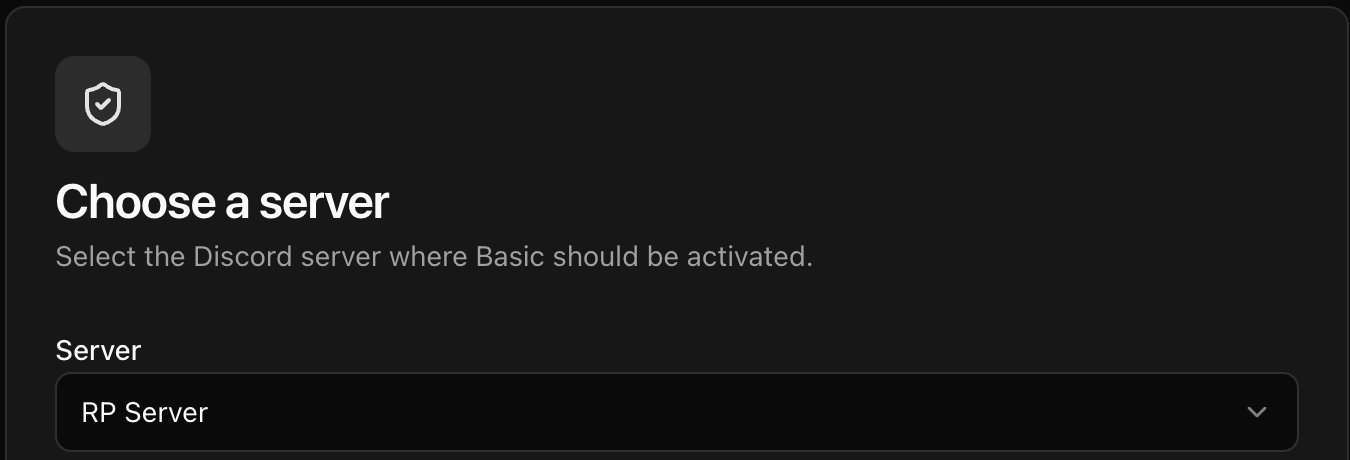
- Select Continue to payment and complete the payment-provider steps.
Premium requires an active Basic or Lifetime base plan. If checkout shows Required base plan, select Start with Basic or Start with Lifetime, complete that purchase, and continue with Premium after the base plan becomes active.
Confirm the result
Return to the selected server in the CoreRP dashboard and open Billing. Confirm that Current plan shows the purchased entitlement.
If you bought Premium, its dedicated bot invite can take up to 24 hours to become available.
Next steps
Premium administrators can continue with Customize your Premium bot appearance.