Manage a citizen's activity timers
Review or correct a timed CoreRP activity associated with a citizen.
Before you begin
- You need owner or administrator dashboard access.
- An activity timer can represent a workflow that is currently in progress. Confirm its purpose before editing or deleting it.
Add or edit a timer
- Select the server, open Users data, and choose the citizen.
- Open Activity.
- Select Add, or edit an existing timer.
- Enter the Type and Value that identify the activity.
- Set Started and Ends.
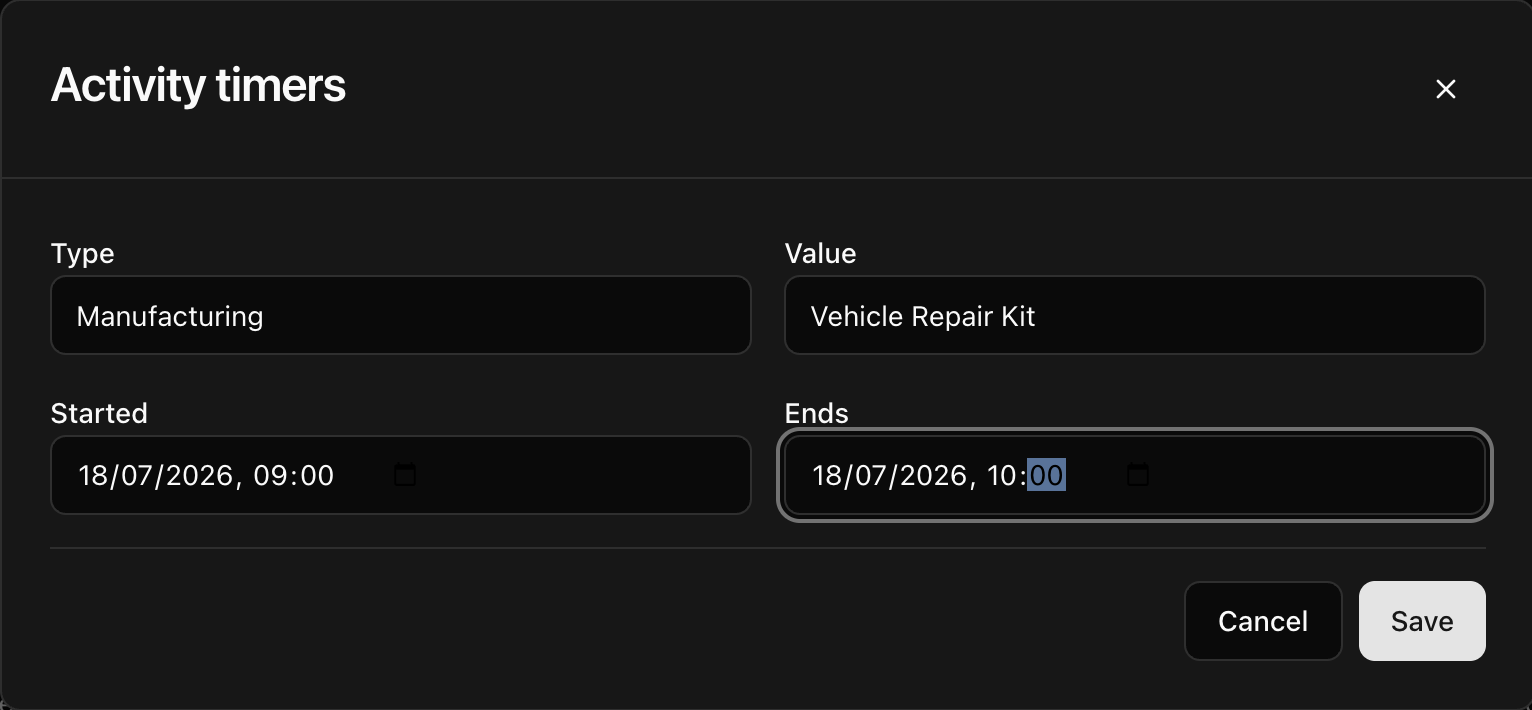
- Select Save.
CoreRP confirms User data updated and refreshes the activity table.
To remove a timer, select its delete action and confirm Delete this row? Check that you removed only the intended activity.
Next steps
For ordinary manufacturing and growing workflows, see Grow plants and prepare materials.