
Manage a citizen's social profiles and reputation
Correct a citizen's anonymous account, social-network profile, or reputation totals through Users data.
Before you begin
- You need owner or administrator dashboard access.
- Confirm the selected citizen before changing public-facing profile details or reputation.
Manage social profiles
- Select the server, open Users data, and choose the citizen.
- Open Profiles.
- Select Anonymous account to update the anonymous username.
- Select Social network account to update the Username, Display name, or Active status.

- Select Save. CoreRP confirms User data updated.
Manage reputation records
- Open Reputations.
- Select Add, or edit an existing reputation row.
- Enter the giver's Discord ID.
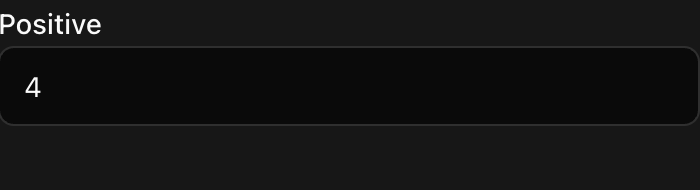
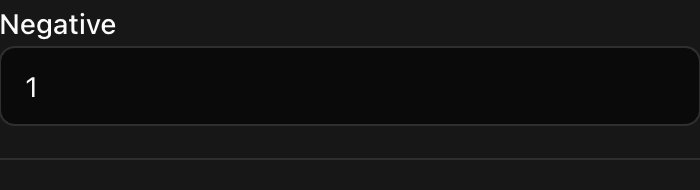
- Enter the Positive and Negative totals as whole numbers of
0or more.
- Select Save.
To remove a reputation row, select its delete action and confirm Delete this row?
Next steps
Use Review a citizen's social activity for posts, comments, reactions, and suggestion votes.