Draw an ER:LC job area
Replace a building route with a map area where CoreRP can create job destinations.
Before you begin
- Create the job through Create ER:LC jobs.
- Decide the boundary and how close a player must be to a generated destination.
Draw the area
- Open Module settings → ER:LC Extension → Jobs.
- Select Edit on the intended job.
- Under Job coverage, choose Area on map.
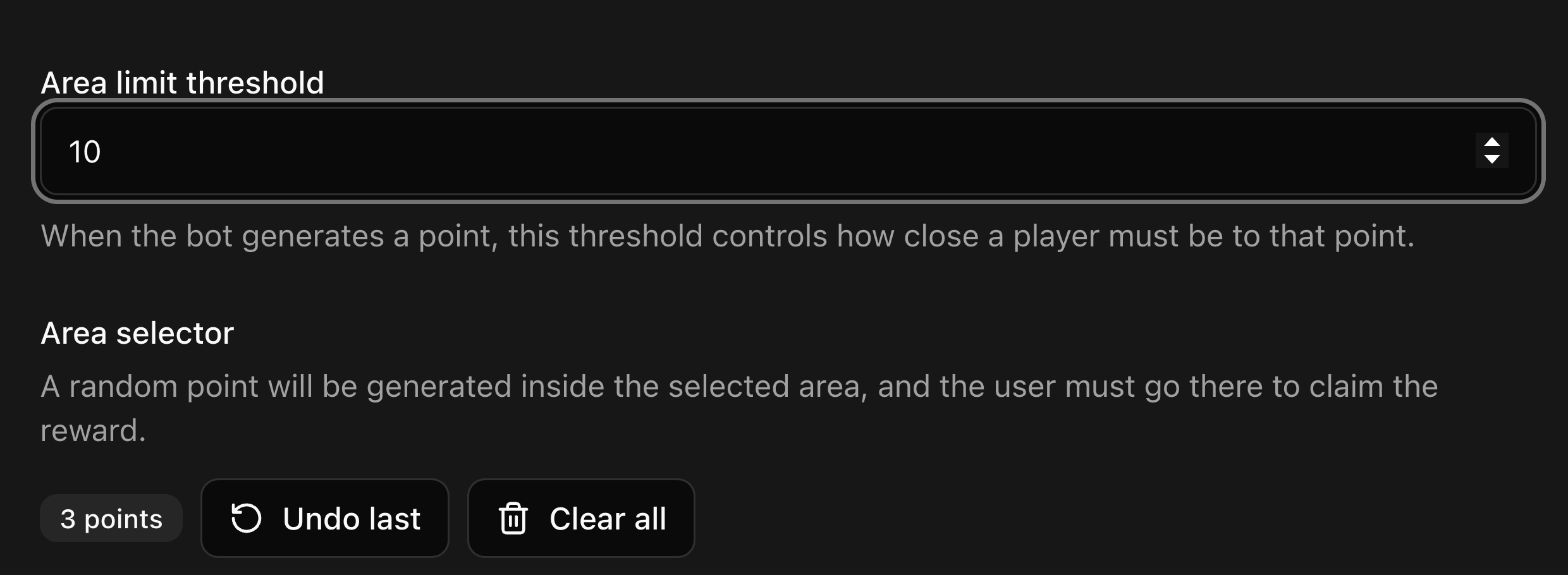
- Set Area limit threshold to at least
1. This is the allowed distance from the generated destination.
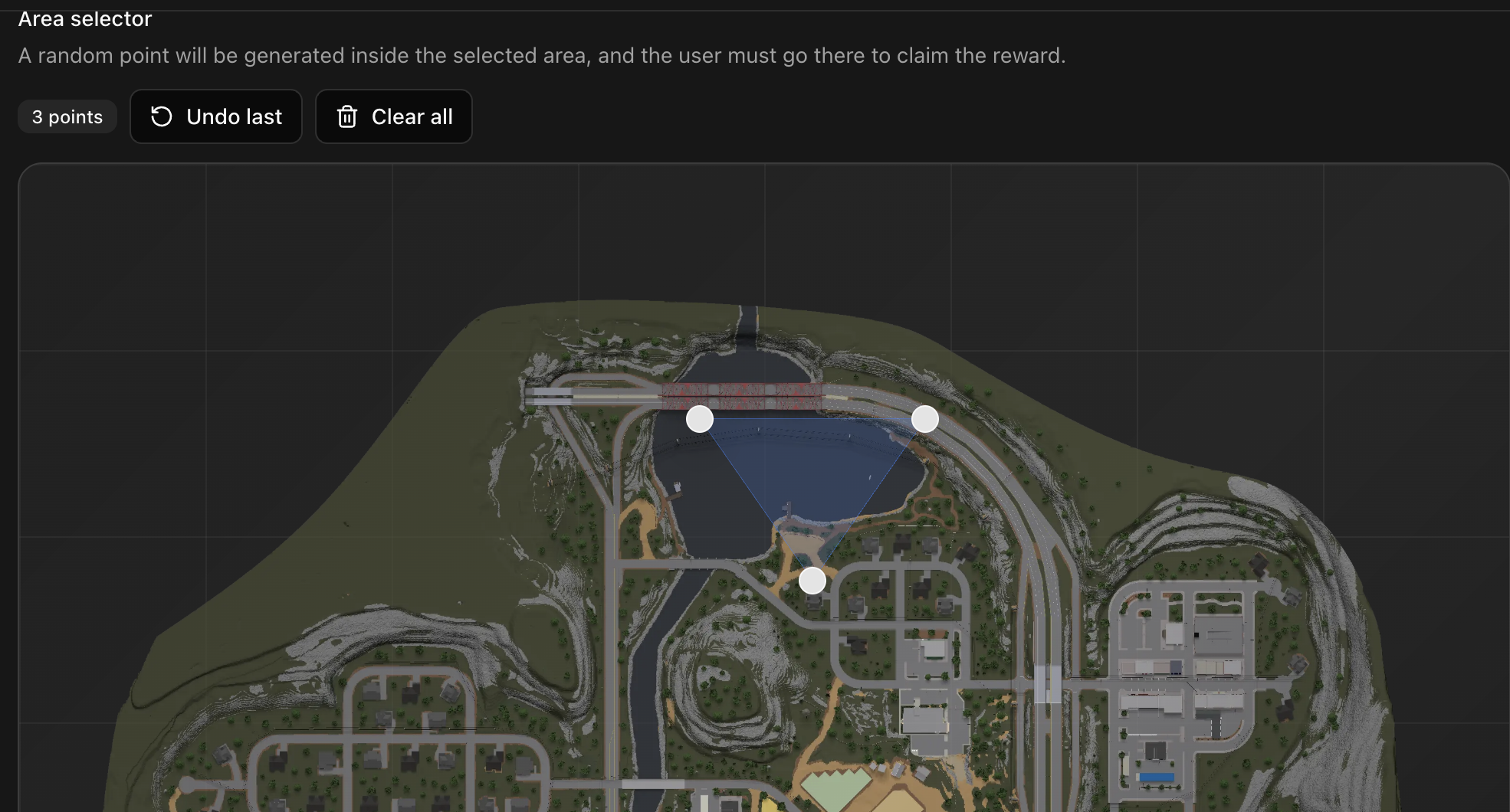
- Select the map to place the first point.
- Continue around the intended boundary in clockwise or counterclockwise order. Add at least three points.
- Drag a point to reposition it. Drag the map background to pan, and use the mouse wheel to zoom around the pointer.
- Use Undo last to remove the newest point or Clear all to start the polygon again.
- When the boundary is correct, select Save changes.
- Select the Jobs module's main Save and wait for Settings saved.
Confirm the result
Edit the job again. Area on map, the threshold, and the saved markers should remain visible.
Next steps
Members can use the route through Start and complete an ER:LC job.