Invite CoreRP to your Discord server
Invite the language-specific CoreRP Bot to your Discord server and confirm that it joined.
Before you begin
You need the Discord Manage Server permission for the server you want to use.
Invite CoreRP
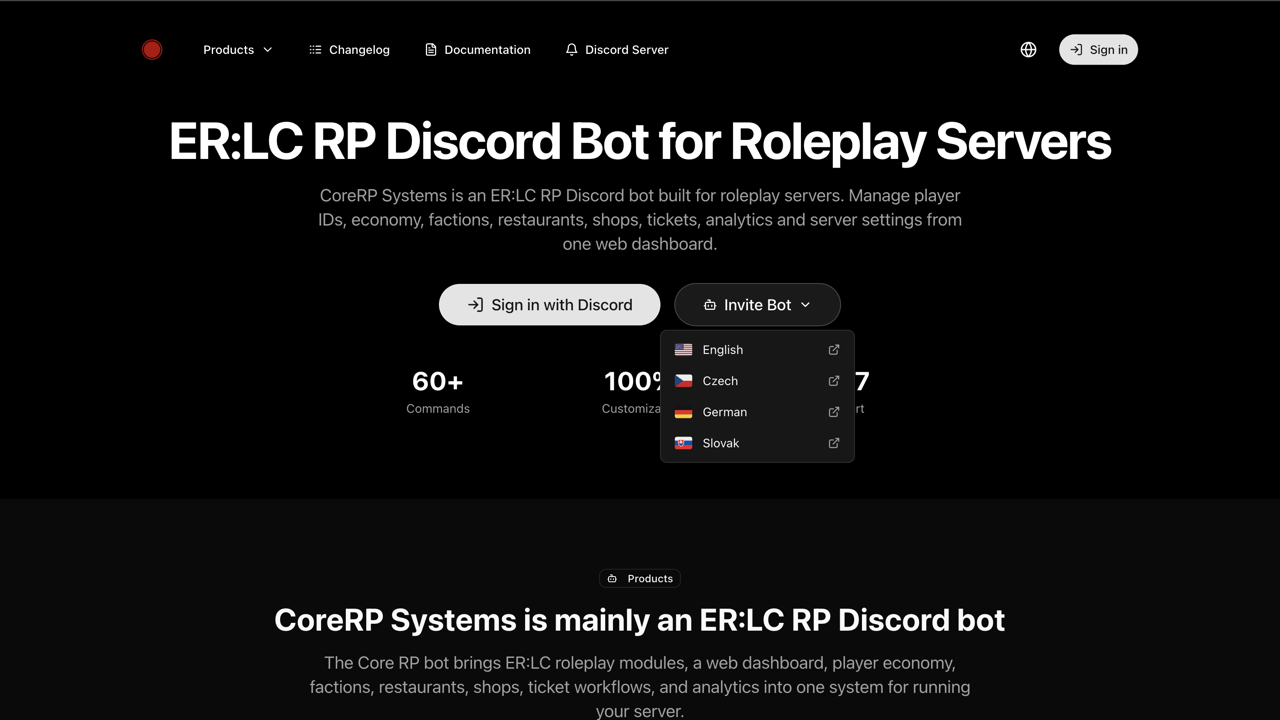
- Open the CoreRP website, select Invite Bot, and choose the language CoreRP Bot should use.
- On the Discord authorization page, choose your server from Add to server.
The screenshots use an example Discord server. Select your own server.
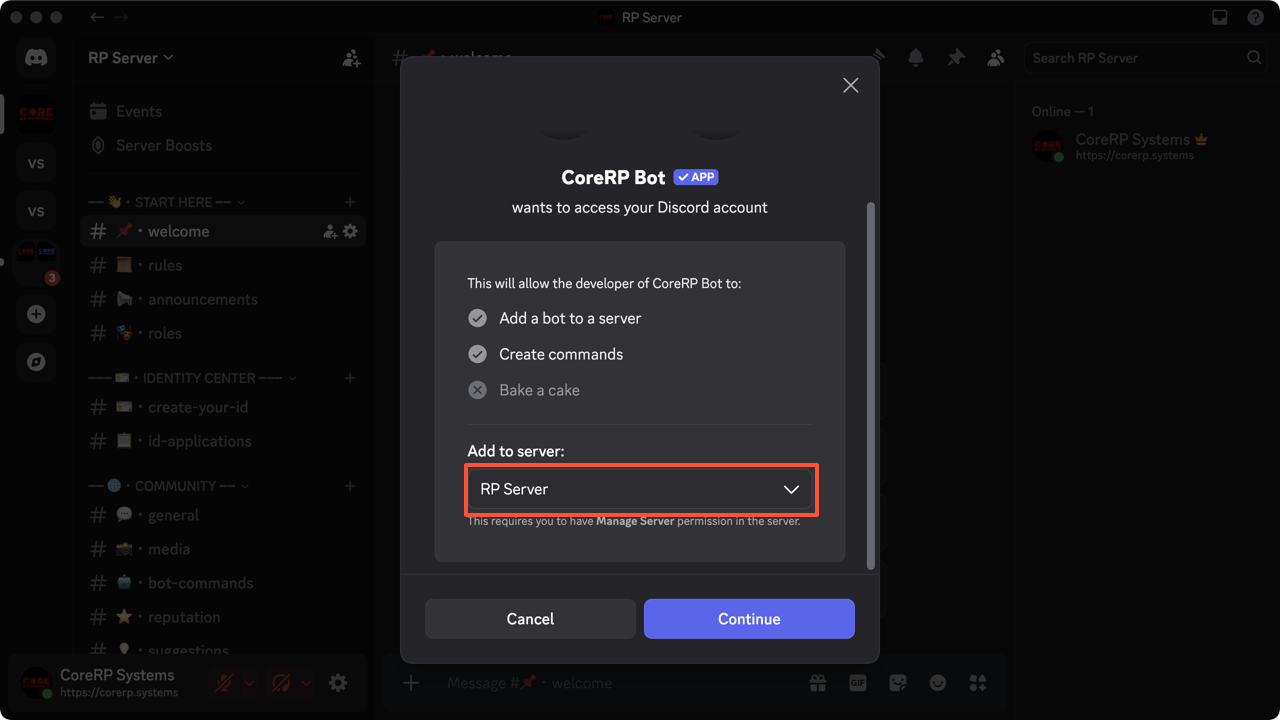
- Select Continue, review the requested permissions, then select Authorize.
- Complete the verification if Discord asks, and wait for Success!
Confirm the invitation
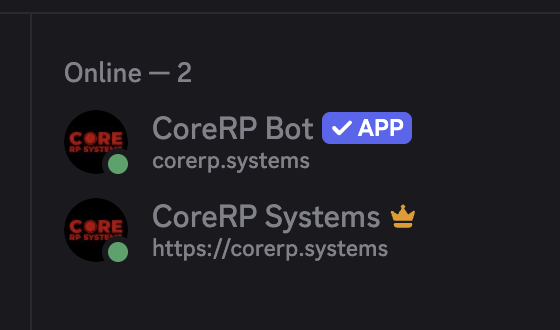
Open your Discord server and confirm that CoreRP Bot appears in the member list.
Troubleshooting
If your server is missing from Add to server, confirm that your Discord account has Manage Server permission for it.
If CoreRP is absent from the server member list, repeat the invitation with the correct language-specific bot. If CoreRP appears in the member list but is offline, keep it installed and contact CoreRP support.
Next steps
Continue with set up and verify CoreRP for your Discord server.