Set up and verify CoreRP for your Discord server
Complete CoreRP's initial server setup and confirm that members can access the ID card creation panel.
Before you begin
- Invite CoreRP to your Discord server.
- Sign in with a Discord account that has owner or administrator access to the server in the CoreRP dashboard.
- Create the Discord role and channels you want to use for staff, logs, and ID card creation.
Complete the server setup
- Open the CoreRP dashboard, sign in with Discord, and select your Discord server.
The screenshots use example values. Select your own Discord server and settings.
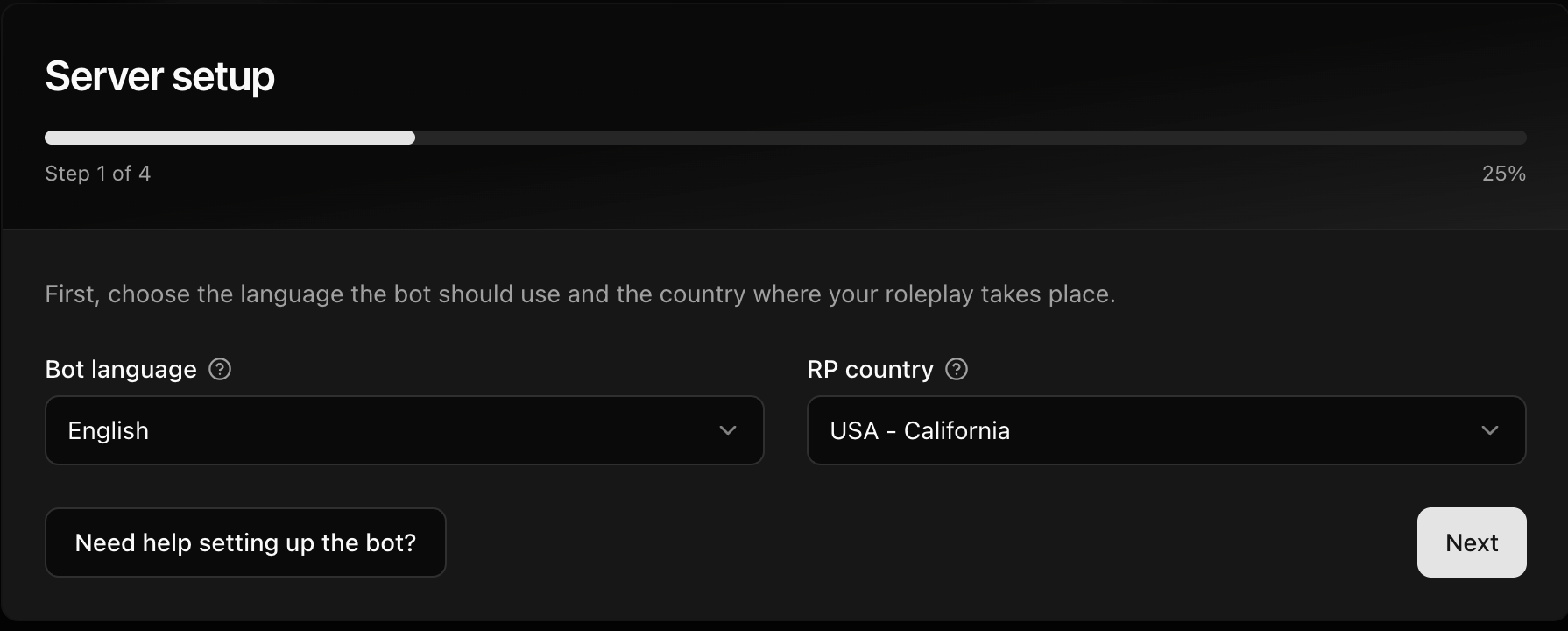
- Under Bot language, free-plan servers should keep the language that matches the language-specific bot invited in the previous tutorial. If you change it, CoreRP may prompt you to invite the matching bot. Under RP country, choose where your roleplay takes place, then select Next.
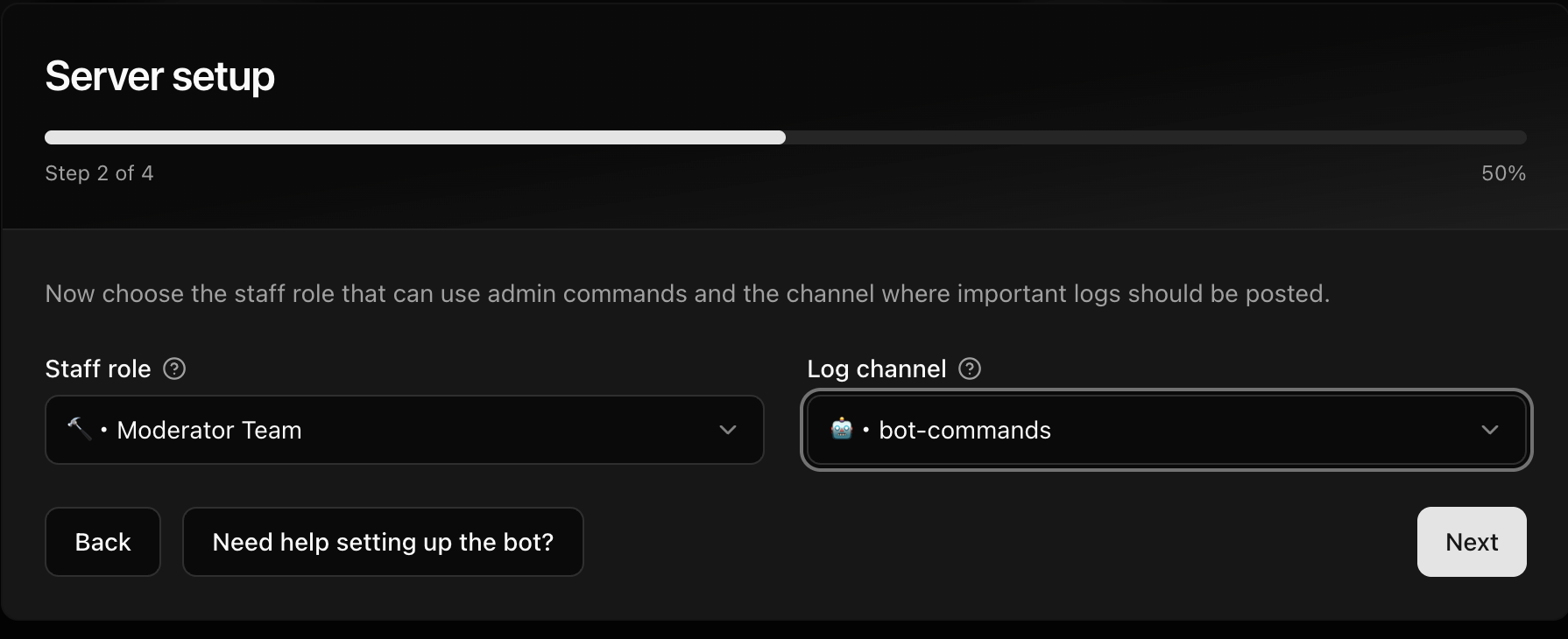
- Select the Staff role that CoreRP should treat as its moderator role for staff-restricted actions. Select a private staff Log channel where CoreRP can post command and activity logs, then select Next.
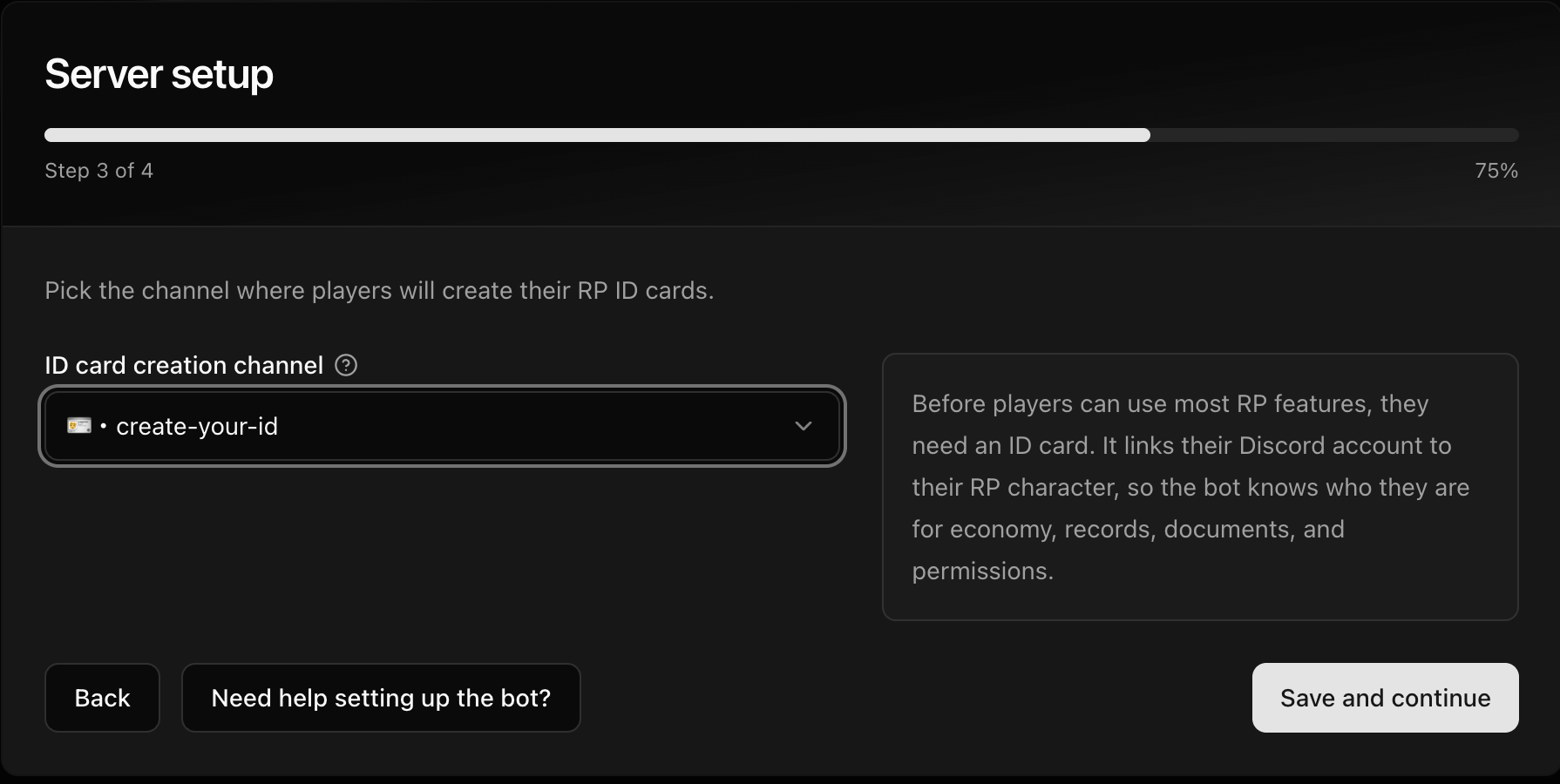
- Select the ID card creation channel where members will create their ID cards, then select Save and continue. The setup window closes and the dashboard opens.
Find settings in the dashboard
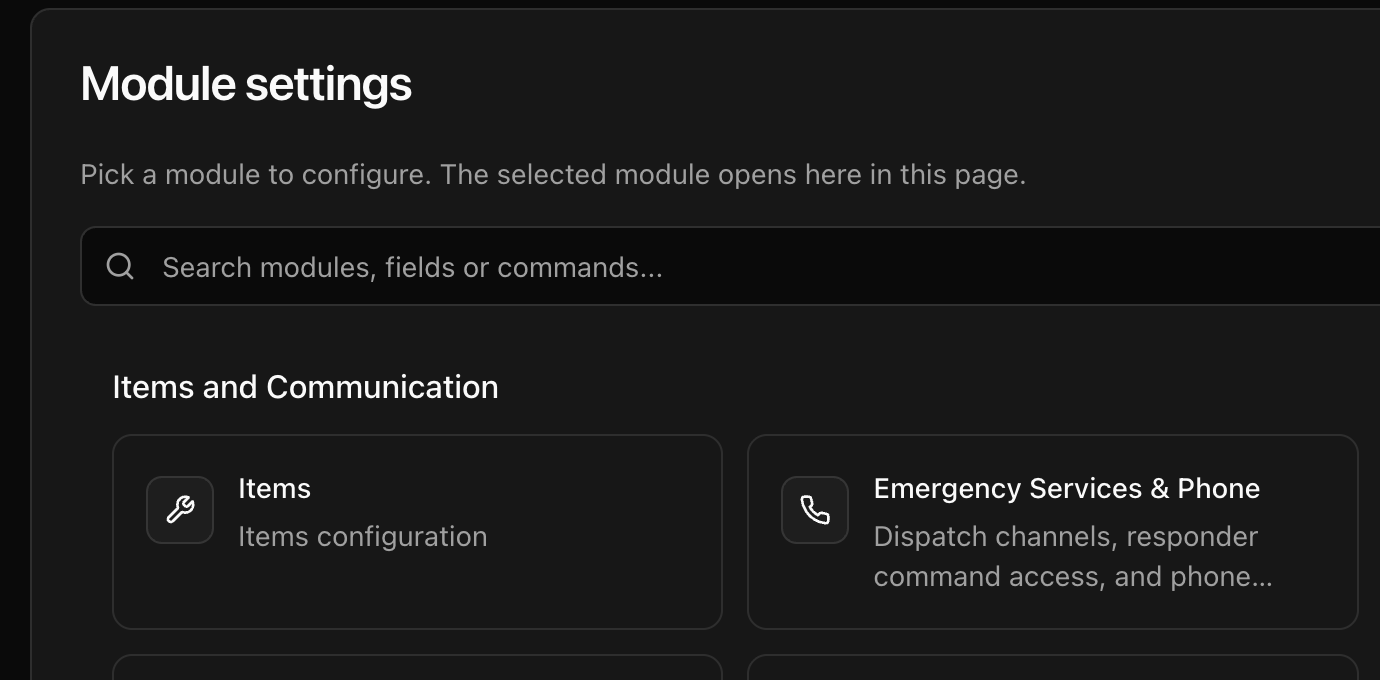
Select Module settings, then use Search modules, fields or commands... to find the feature you want to configure. Matching settings appear as you enter a search term.
Check the setup
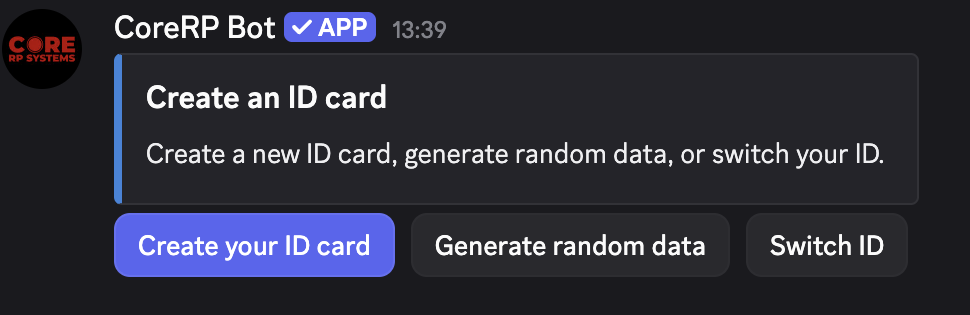
Open the Discord channel selected for ID card creation channel. Confirm that CoreRP Bot automatically published a Create an ID card panel with buttons for creating an ID card and generating random data.
Troubleshooting
- If the Create an ID card panel is missing, run
/admin panelin the intended channel, select ID Creation forpanel, and send the command. You need the Discord Manage Messages permission.
Next steps
Continue with create your first CoreRP character and ID card.