Manage a citizen's bank accounts and invoices
Use Users data to review or correct a citizen's bank accounts and invoice records.
Before you begin
- You need owner or administrator dashboard access.
- Confirm the citizen and every amount before saving. These changes affect the member's CoreRP finances.
- Deleting a row removes it after confirmation.
Open the citizen record
- Select the server and open Users data.
- Find the citizen through Search users and open their details.
Manage bank accounts
- Open Bank.
- Select Add to create an account, or use the edit action beside an existing account.
- Enter the IBAN, Account name, Type, and Balance.
- Choose Primary or Secondary. A citizen can have no more than one account of each type.
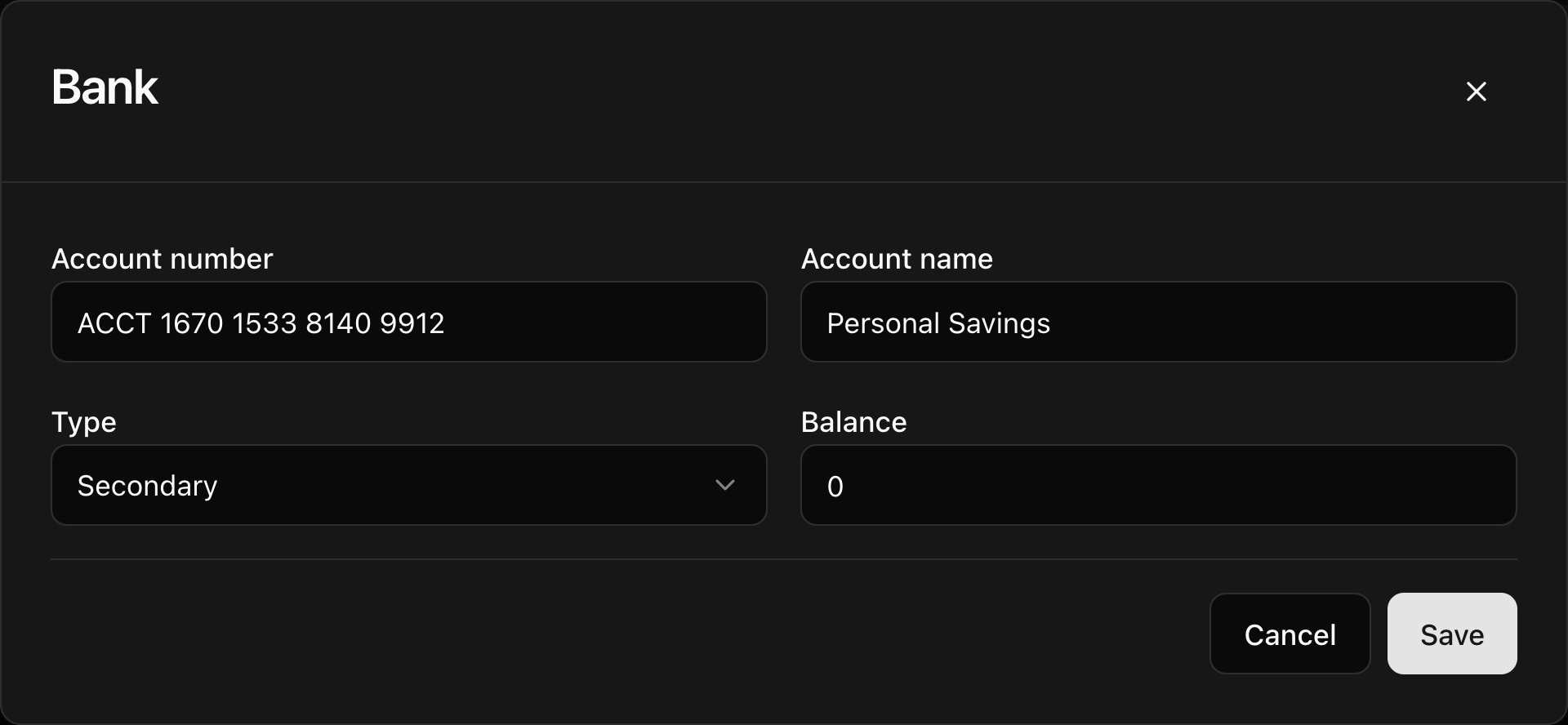
- Select Save. CoreRP confirms User data updated and refreshes the table.
Manage invoices
- Open Invoices.
- Select Add, or edit an existing invoice.
- Choose whether it was Sent or Received.
- Enter the other citizen's identifier in Counterparty citizen ID. The citizen must belong to the same Discord server.
- Enter the Amount, Reason, optional Note, and Status: Unpaid, Paid, or Cancelled.
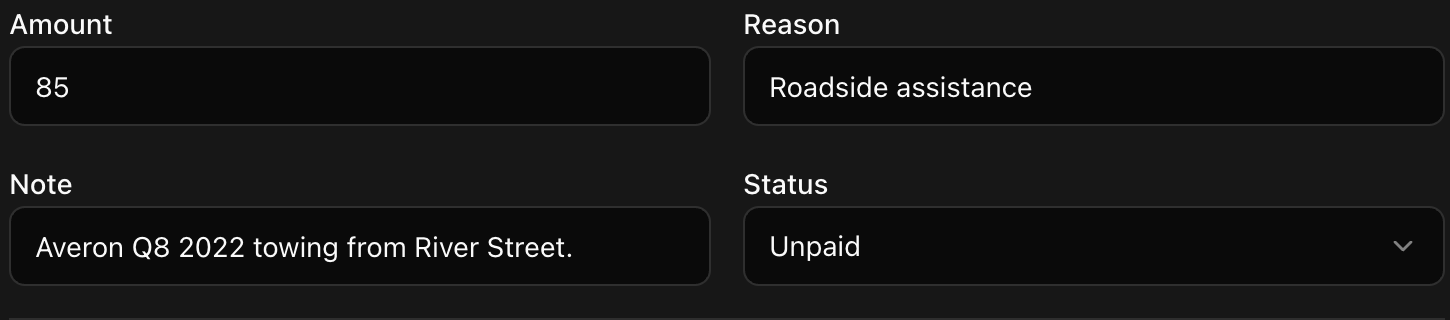
- Select Save.
To remove an account or invoice, select its delete action and confirm Delete this row?
Next steps
Continue with Manage a citizen's inventories and items.