Manage a citizen's penalties and warnings
Review or correct police penalties and staff warnings. Police penalties belong to the selected citizen; staff warnings belong to the Discord member and appear for each of that member's citizens.
Before you begin
- You need owner or administrator dashboard access.
- Use this workflow only when an authorized staff member needs to correct an existing record.
- Deleting a row permanently removes it after confirmation.
Manage penalties
- Select the server, open Users data, and choose the citizen.
- Open Penalties.
- Select Add, or edit an existing penalty.
- Complete the applicable fields: Type, Amount, Length days, Reason, Issued, Paid, and Served.
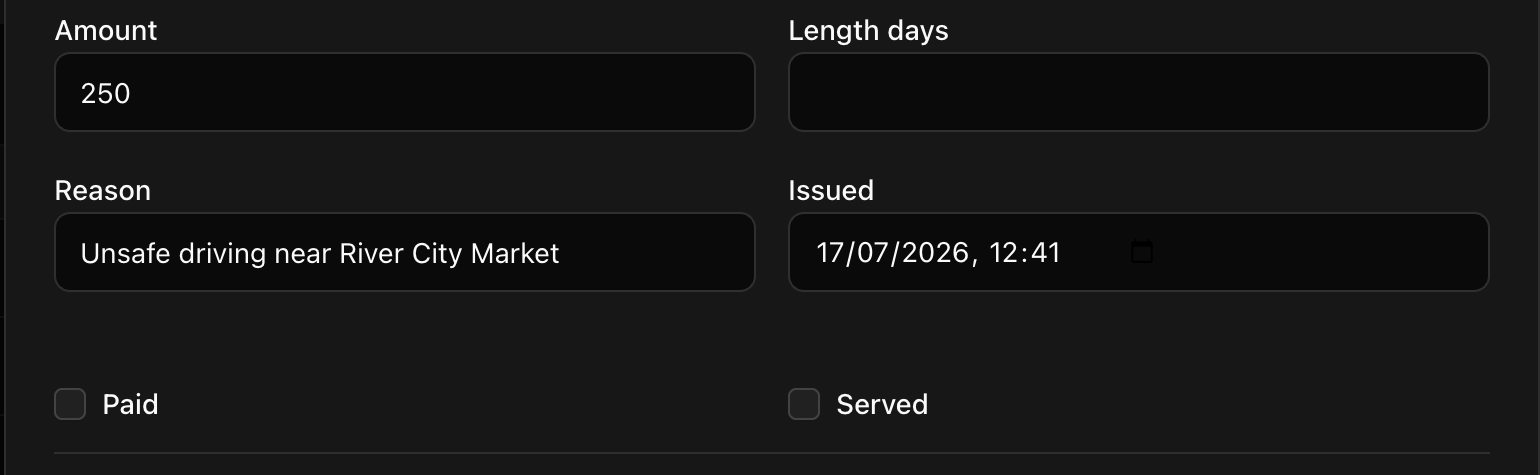
- Select Save. CoreRP confirms User data updated.
Manage warnings
- Open Warnings.
- Select Add, or edit an existing warning.
- Enter Issued by and Description.
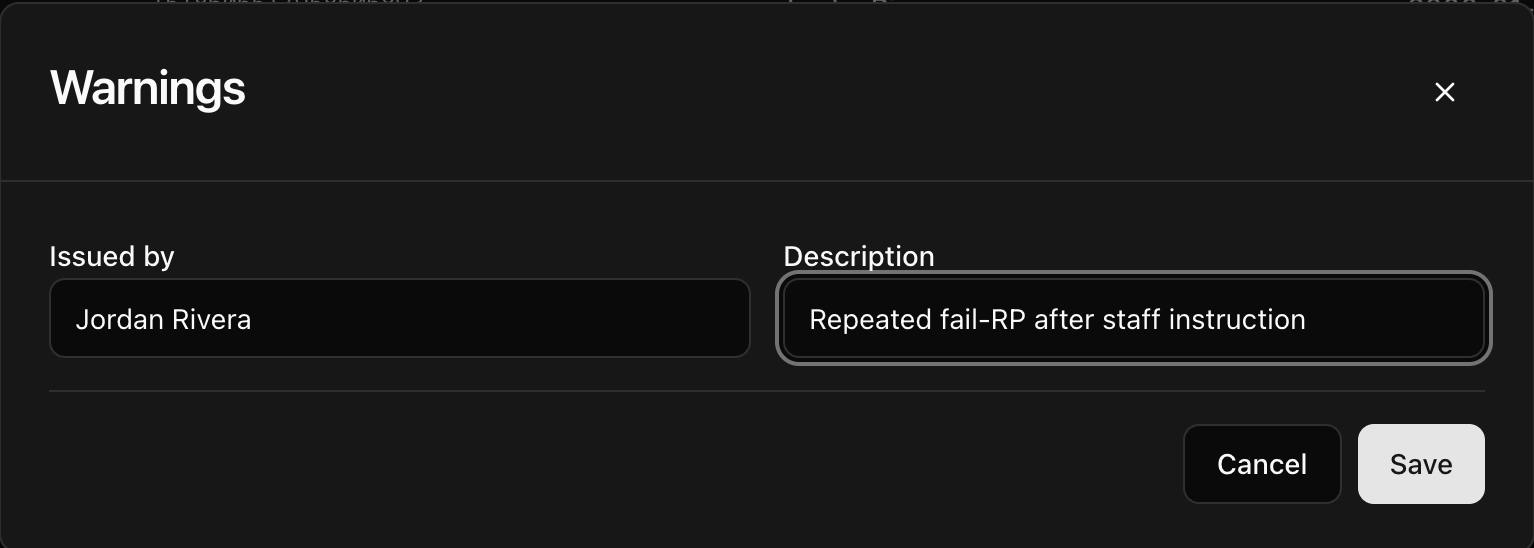
- Select Save.
To remove a penalty, select its delete action and confirm Delete this row?
Before removing a warning, confirm that you have the intended Discord member and warning. Select the warning's delete action, confirm Delete this row?, and check that only that warning disappeared.
Next steps
For normal Discord staff actions, see Issue fines and punishments and Warn members and manage warnings.