Find a citizen and update their identity details
Use Users data to find a CoreRP citizen and correct their name, birthdate, or linked Roblox username.
Before you begin
- You need owner or administrator access to the selected server's dashboard.
- The member must already have a CoreRP citizen record.
- Treat the page as sensitive: it can display Discord and roleplay identity information.
Find the citizen
- Select the Discord server in the CoreRP dashboard.
- Open Users data.
- Enter the citizen's name, Roblox username, or Discord identifier in Search users, then press Enter.
- Use the filter or sort controls when several records match.
- Select the citizen's name or View to open their details.
Update the identity
-
Select Edit identity.
-
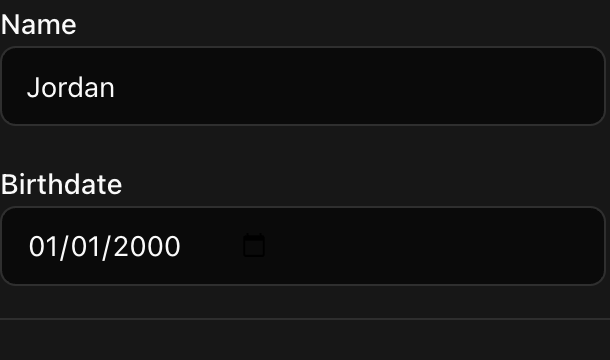
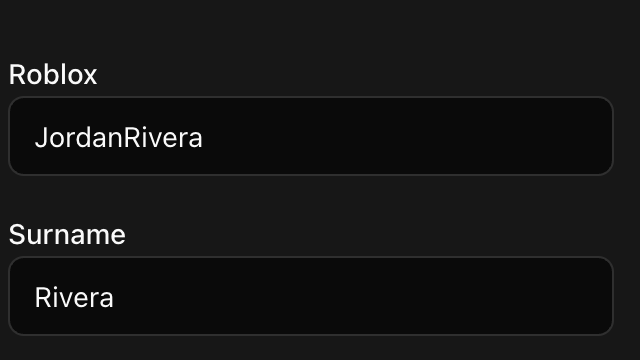
Update any of these fields:
- Roblox — the username used to connect the citizen to supported ER:LC features.
- Name and Surname — both are required.
- Birthdate — the citizen's roleplay birthdate.
The displayed Discord identifier and citizen status cannot be edited here.
- Select Save. CoreRP confirms User data updated and refreshes the citizen details.
Confirm the result
Check the identity summary and the user list. They should show the updated values for the selected citizen.
Next steps
Manage another part of the citizen record, such as bank accounts and invoices or contact details.