Review and manage citizen vehicle records
Use Users data to add, correct, or remove a vehicle stored for a CoreRP citizen.
Before you begin
- You need owner or administrator dashboard access.
- Confirm the citizen and vehicle before editing. These values are used by CoreRP garage and police workflows.
- Deleting a vehicle removes its row after confirmation.
Manage a vehicle
-
Select the server and open Users data.
-
Find the citizen and open their details.
-
Select Vehicles.
-
Select Add to create a vehicle row, or use the edit action beside an existing vehicle.
-
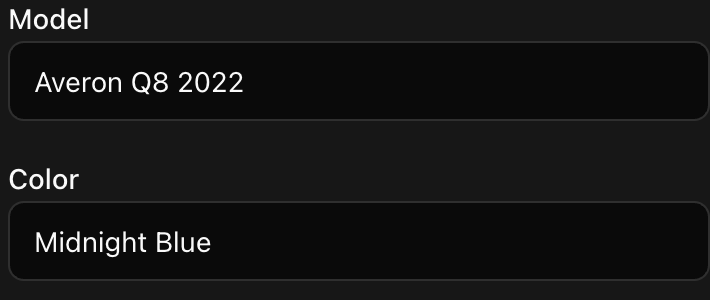
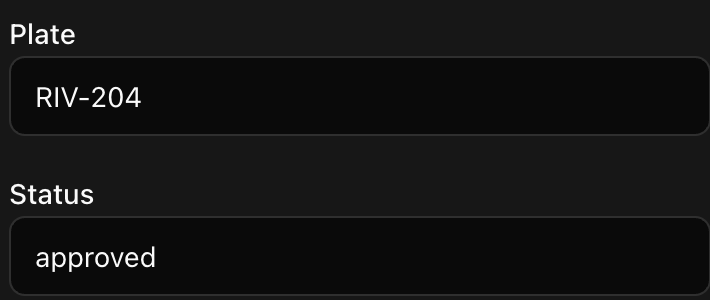
Complete the visible vehicle fields:
- Model
- Plate
- Color
- Status
- Registered
ID is optional. Leave it blank when CoreRP should generate one.
- Select Save. CoreRP confirms User data updated and refreshes the vehicle table.
To remove a vehicle, select its delete action and confirm Delete this row?
Next steps
For the ordinary member workflow, see View your garage and transfer a vehicle. Vehicle document changes use police vehicle-document commands.