
Create and view your phone number
Generate a phone number for your active character, then privately view it whenever you need it.
Before you begin
- Complete CoreRP setup. Create a character if needed, then select the character that should own the number.
- That active character must hold at least one inventory item currently configured with the Phone category. Server administrators can review this in Create and configure inventory items.
/phonehas no staff permission requirement. Use it in a channel where the command is enabled and allowed.- CoreRP allows one phone number per active character.
The server's saved Country under Basic settings controls the phone-number format. USA - California produces (202) xxx-xxxx.
Create a phone number
- Run
/phone create-number. This command has no options. - CoreRP privately displays the generated number.
This example shows (202) 759-2106. Your number will differ, but it follows the format for your server's saved country.
View your phone number
- Run
/phone my-number. This command also has no options. - CoreRP privately shows Your phone number with the same formatted number under Phone number.
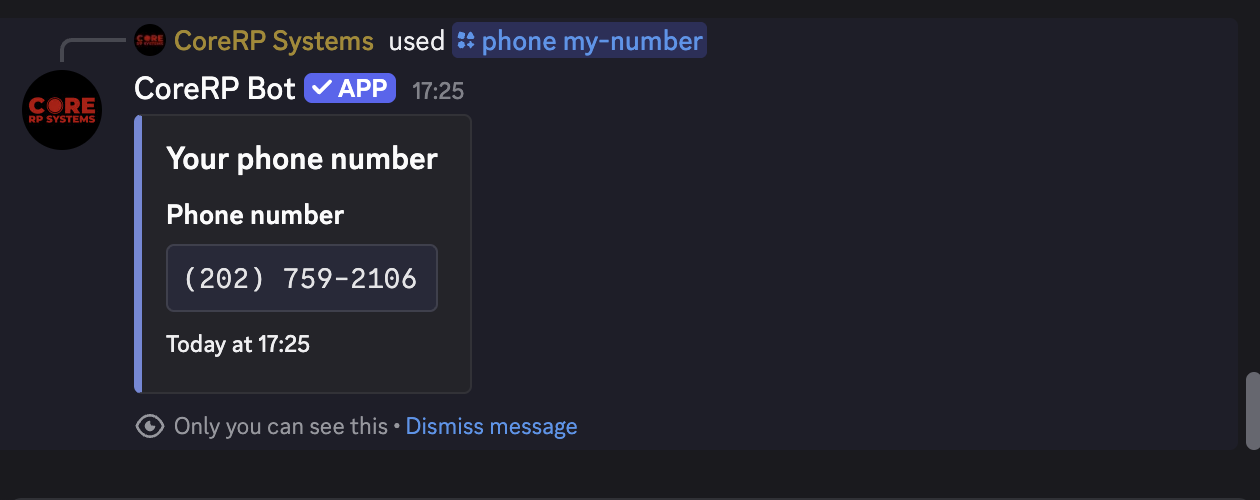
Both commands use the currently active character. Switching characters changes which number /phone my-number shows and which character receives a new number.
Creating or viewing a number costs nothing and does not consume the phone item.
Troubleshooting
- You do not have a citizen ID created. — create or select the character that should own the number.
- You need to have a phone in your inventory to use the phone. — obtain an item currently configured with the Phone category on that active character.
- You already have a phone number created! — run
/phone my-numberto view the existing number. - You do not have a phone number created! — confirm the intended character is active, then run
/phone create-number. - Server setup required, This command is currently disabled., or You do not have permission to use this here. — finish setup, enable
/phone, or use an allowed channel. - A cooldown response — wait for the displayed cooldown before retrying.
Next steps
Continue with Call another citizen or emergency service.